

I used to think blurry video and fuzzy sound didn’t matter.
When I started leading virtual sessions, I didn’t pay much attention to my home studio setup.
I figured as long as I had good content and facilitation tools, that was enough.
I told myself, “No one really notices if the image is a bit grainy, right?”
Wrong!
The more online events I joined, the more I noticed something:
👉 Crisp sound made me feel instantly closer to the presenter.
👉 Good lighting made them pop on screen.
👉 Clear visuals helped me stay focused.
It felt like the screen melted away—and that connection stuck with me.
That was the turning point.
It’s when I realized: how you look and sound on camera shapes how people feel in the virtual room.
So I started upgrading my gear.
Slowly. On a budget. I watched YouTube tutorials. Got advice from friends. Bought a mic. Then a light. Then a better webcam. Eventually, a teleprompter.
(And yes I also bought a bunch of things I didn’t really need—but that’s a story for another day. 😅)
But gear alone wasn’t enough.
Even with better gear, my setup still didn’t work the way I wanted.
That meant that I was constantly fiddling before sessions—switching cameras, adjusting lights, swapping mics. My desk was a cable jungle. Nothing felt reliable.
So I called in help.
I reached out to Said Saddouk, a tech + tools whiz, who’s also a fellow virtual facilitator.
If you don’t know Said, he is someone who knows a whole lot about gear and tools.
He knows how to do cool things like this 👇
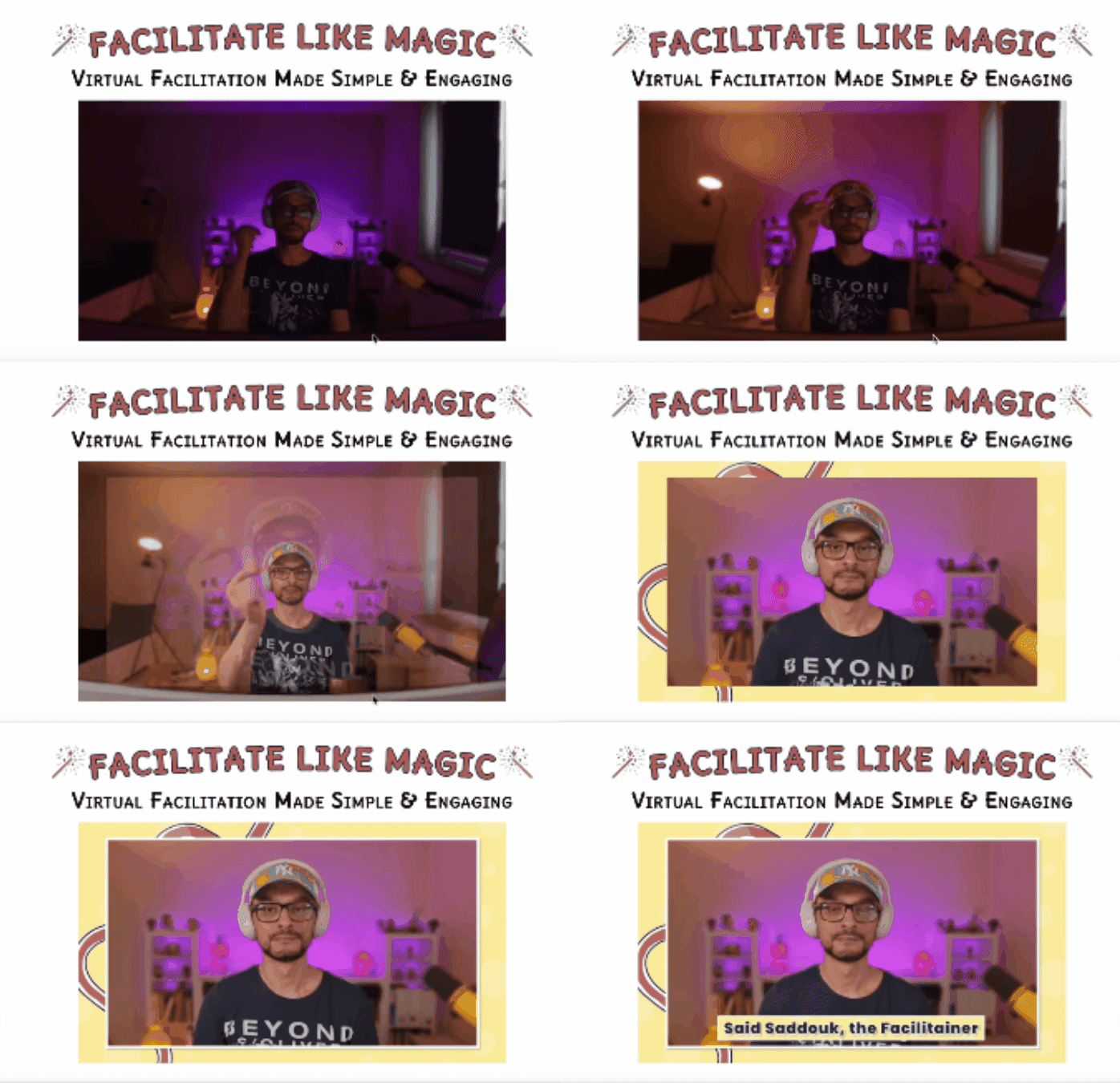
We jumped on a 90 minute coaching call last week. For the first time I understood the real goal to a home studio setup:
✨Consistency✨
It’s about getting to a setup you can trust. Everything in its place. No more last-minute tech drama.
Getting your studio setup right doesn’t have to be overwhelming (or expensive).
This week I’m sharing what I learned from Said, the changes I made, and some gear recommendations to help you look and sound great—whatever stage you’re at.
Sidenote: How much you invest in your home studio depends on how you use it. The advice below is for people run online courses, workshops, webinars and events. You may be looking at different gear if you are a podcaster, YouTuber etc…
OK, let’s jump right in!
1/ 🎙️ Sound
If you upgrade just one thing in your setup—make it sound.
Crisp, clear audio instantly helps your participants feel more connected to you. It builds trust, boosts attention, and makes your sessions feel more human.
💡Said’s Sound Tips:
- Use an external mic. You don’t need to spend a fortune. Even a basic USB mic will instantly boost your sound quality.
- Position your mic well. Place it close to your mouth and speak into the top of the mic (not the side like I was doing 🤦♀️).
- Wear headphones. They reduce the risk of echo or feedback—and give you more control over what your audience hears.
🎤 Mic Recommendations:
- 💸 Budget: Samson Q2U – US$99 (my go-to)
- 💼 Mid-range: Elgato Wave:3 – US$149
- 🎙️ Pro: Shure MV7 with stand – US$269 (Said’s setup)
🎧 Headphone Recommendations:
- 💸 Budget: Sony Wireless On-Ear Headphones – US$40
- 💼 Mid-range: Sennheiser Momentum 4 Wireless – US$199
- 🎧 Pro: Sony WH-1000XM5 – US$248
2/ 💡 Lights
Lighting can make a bigger difference than you think. Even if your sound is great—if people can’t see your face clearly, it’s harder to connect.
You want soft, even lighting that reduces shadows and helps you look natural on screen (not washed out… not stuck in a cave).
And good news—you don’t need a fancy setup to improve this fast. Even a simple desk lamp or ring light can be a big upgrade from overhead lighting alone.
💡Said’s Lighting Tips:
- Take control of your light. Natural light changes throughout the day—so close your blinds and create your light instead of chasing it.
- Use two soft lights. Position them at 45° angles on either side of your camera for even, shadow-free lighting.
- Add background lighting. A small lamp or two behind you adds depth and warmth to your screen presence.
🔦 Light Recommendation:
- 💼 Pro (but still simple): Elgato Key Light – US$139 each
This is what Said recommends for crisp, adjustable, studio-quality lighting at home.
3/ 📸 Camera, Eye Contact + On-Screen Presence
Getting eye contact right on Zoom is trickier than it sounds—but it really changes the dynamic.
Looking into the camera (instead of at your screen) helps your participants feel seen and connected. It builds trust and presence.
💡Said’s Tips:
- Use an external webcam. You’ll get sharper image quality and more control over framing.
- Frame yourself well. Leave space to gesture with your hands—it keeps you animated and human on screen.
- Recommended webcams:
- Budget: Elgato Facecam Neo – US$58
- Mid-range: Logitech MX Brio – US$199 (This is what I use)
4/ 🖥️ Teleprompter = Better Eye Contact
Buying a teleprompter was a game-changer for me.
With a teleprompter, you can look directly into the camera and see your group’s faces or notes—no more glancing down or sideways.
- Set it up just above your monitor, with your group in gallery view, so it’s a slight eye shift down to your monitor—not a full head turn.
👉 Said’s pick: Elgato Prompter – US$228
This is the one I use now, and it’s made eye contact so much easier.
5/ 🧑💻 External Monitor + Extras
Having a second screen makes it easier to manage slides, chat, or apps like StreamAlive without breaking focus.
- Said’s pick: Philips 221V8LB, 22” Full HD Monitor – US$60
Other helpful extras:
- 💻 Laptop stand US$28 (brings your webcam to eye level)
- ⌨️ External keyboard + mouse US$24(for comfort and flexibility)
- 🔌 USB hub US$209 (for plugging everything in)
- 🎛 StreamDeck US$119 (for switching scenes, muting, timers—great for advanced setups)
If reading this list makes you feel overwhelmed you are definitely not alone!
Remember: even small improvements like an external mic and good light can make a big difference. And you can keep improving from there.
Over to you 🎤
What’s one change you could make in your set up that would help you sound and look your best?
👉 Hit reply and let me know—I’d love to hear!
Want to up your tech game?
Sign up for Said’s newsletter. Check out his courses and offerings. Or book a 90 minute coaching call for a step-by-step walkthrough of your set up and improvements you can make. Get in touch with Said here.
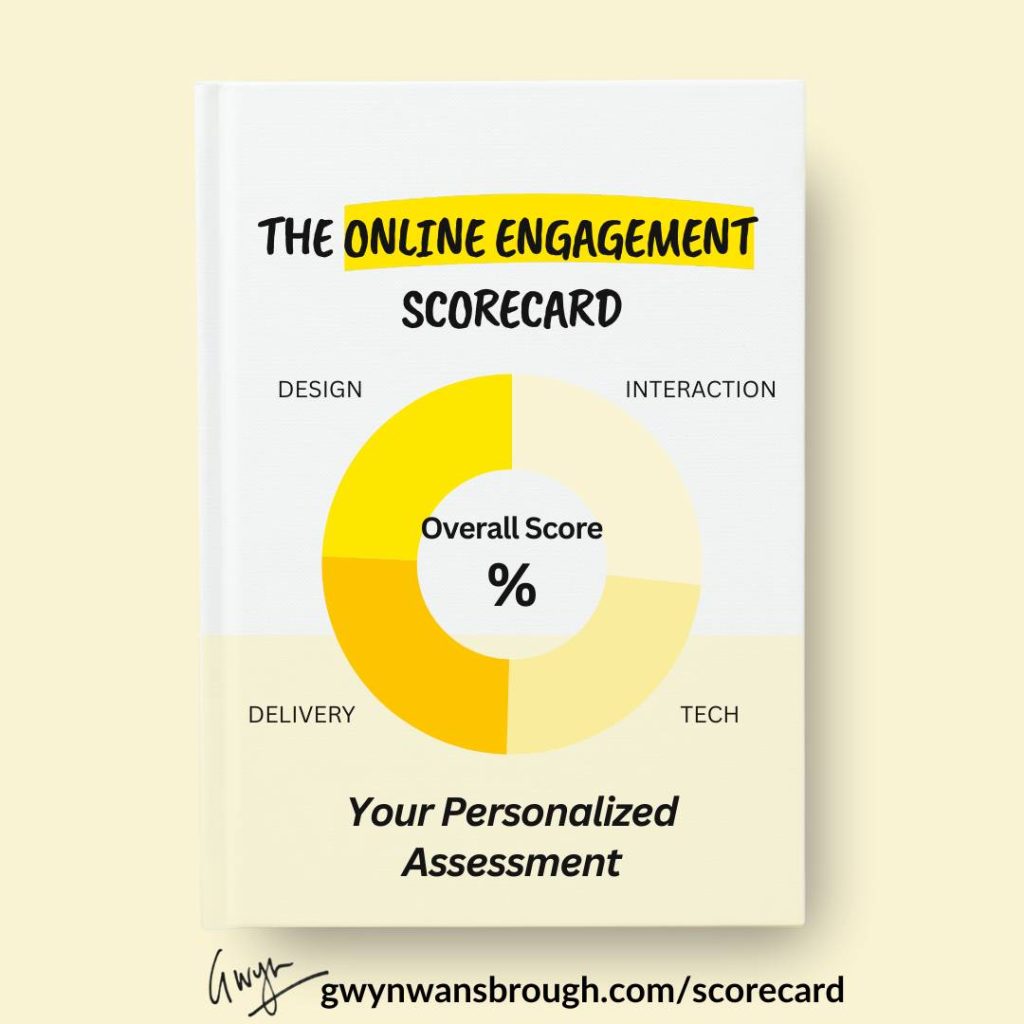
🪄Share the Online Engagement Scorecard
If you have completed the Scorecard, I hope it gave you a few sharp insights into what’s working—and where your sessions could get even better.
✨ Know someone leading a live session soon? A colleague, client, or facilitator friend?
Help them show up strong by sharing the scorecard [LINK]
💌 Thanks for reading The Quest
I always love hearing your feedback and suggestions. Just hit reply to share your thoughts and ideas.
If you were forwarded this email, you can subscribe to The Quest 👉here.
If you enjoy The Quest, I’d appreciate it if you shared it with anyone you think might like it.
Creatively yours,

Whenever you are ready there are 2 more ways I can help you:
👉Custom coaching & team training. Book a free 15-minute zero-commitment call with me to see how I can support you and your team.
👉 Live Session Design Video Course. Live Session Magic gives you a proven system for designing consistently high-quality online sessions. Join the interest list here and be the first to get access.
👉5-week Live Online Course. The Breakthrough Facilitation course gives you tools, personalized feedback, and a proven framework for designing and leading high-engagement live sessions. Join the interest list and be the first to get the next cohort dates and discounts.
